- Access the Self Service Password Reset site here:
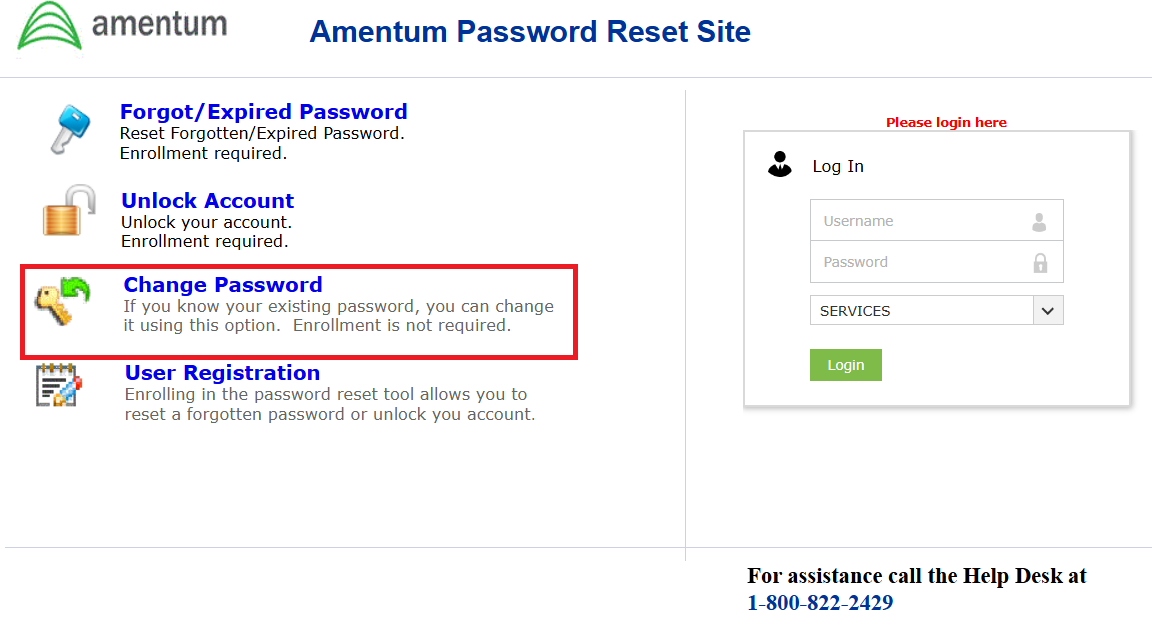
https://resetpw.amentum.com/ - Select "Change Password" and enter your @amentum.com email address and password in the login box
- Enter your password in the "Old password" box and your new password in the bottom two boxes.
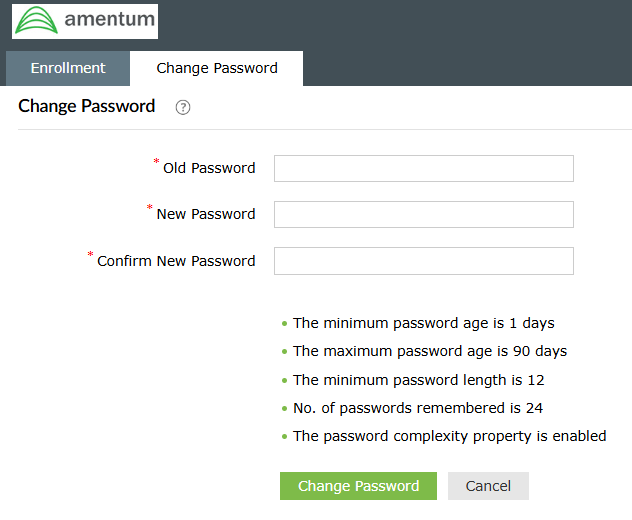 In addition to the requirements above your passwords needs:At least 1 uppercase characterAt least 1 lowercase character
At least 1 number
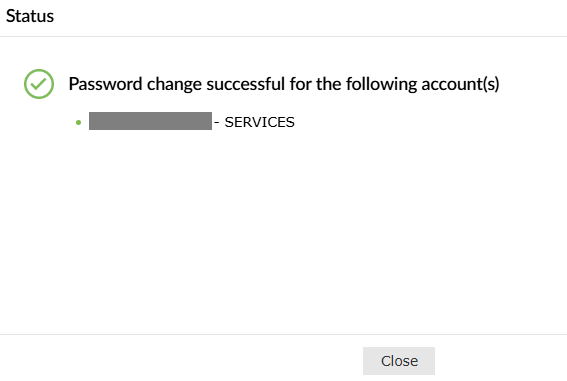
At least 1 symbol - If your password was changed you will see the following:
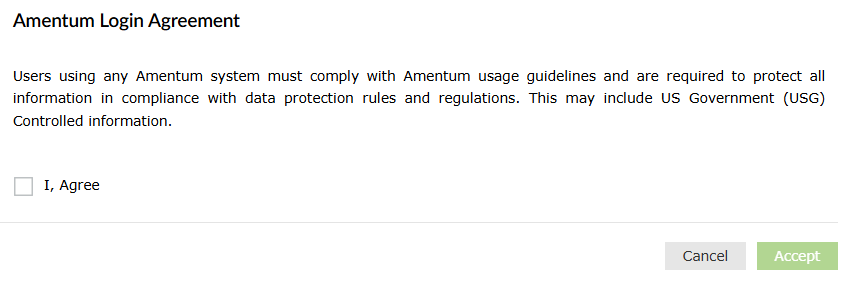
- After your password has changed you will be prompted to register for Self Service Password Reset. Check the box labeled "I, Agree" and select the Accept button
- A new popup will appear. Select "Click Here"
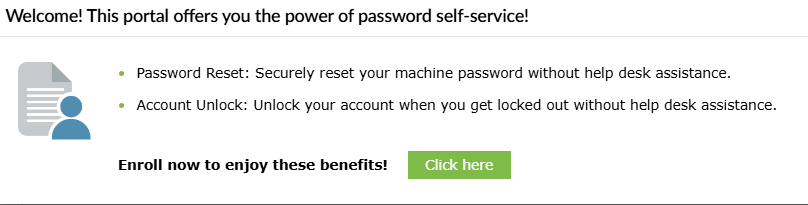
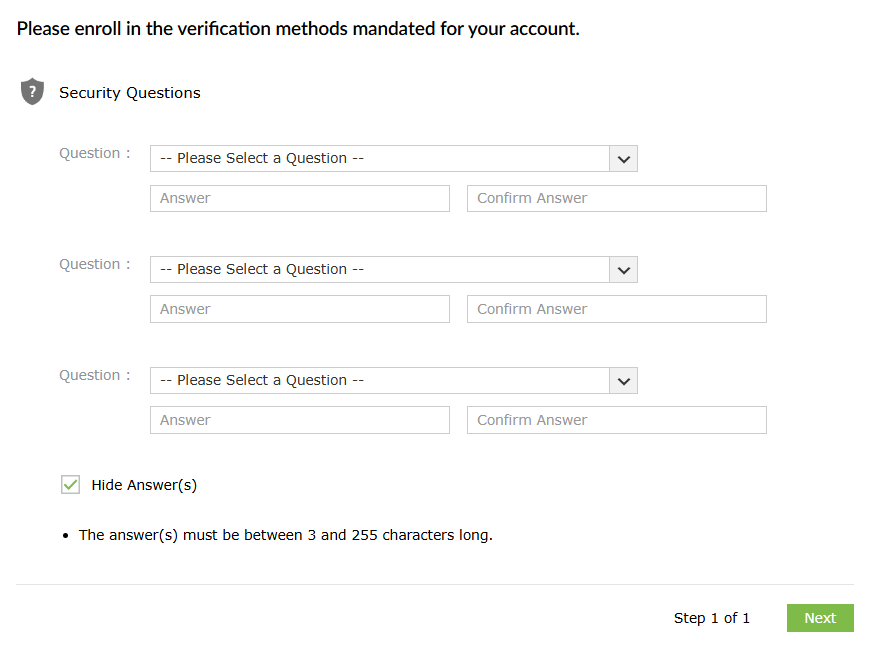
- Choose and Answer 3 security questions, then select Next
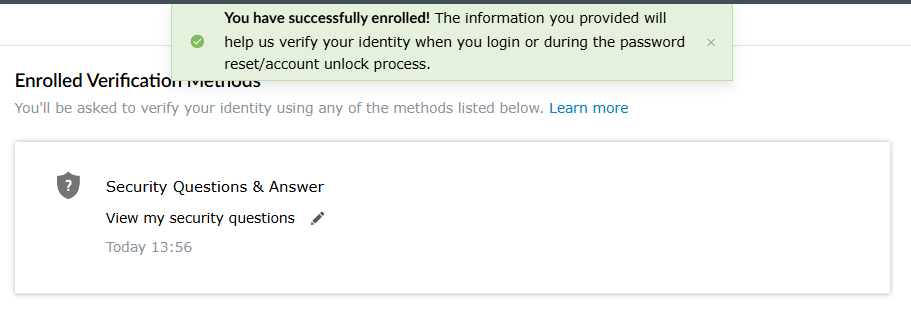
- If you see the following you have completed registration:
Was this article helpful?
That’s Great!
Thank you for your feedback
Sorry! We couldn't be helpful
Thank you for your feedback
Feedback sent
We appreciate your effort and will try to fix the article